
Download complete product materials from the Download center.
Product overview
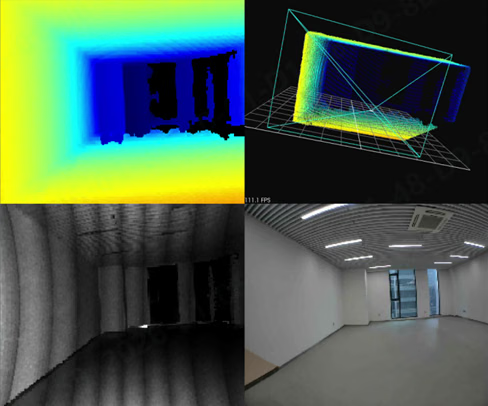
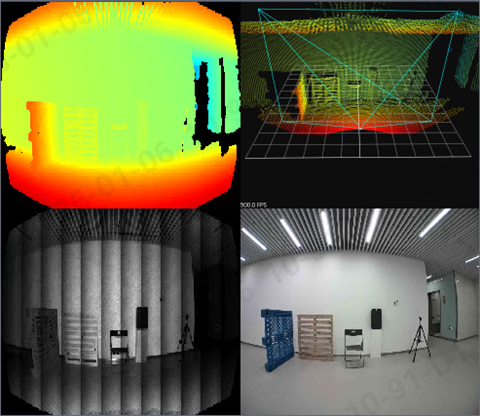
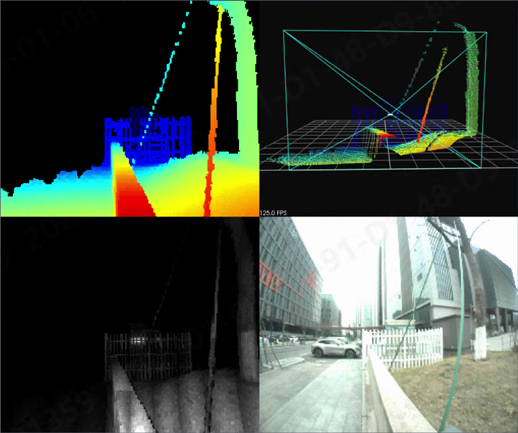
The S10 Series consists of industrial dToF RGB-D cameras, including S10, S10 Pro, and Lite versions. The cameras synchronize RGB and depth data and can output depth maps, IR amplitude images, RGB images, point clouds, and obstacle-avoidance results. The standard S10 measures from 0.3–8 m and the S10 Pro from 0.3–17 m. Supported models provide Ethernet, two digital inputs, and two digital outputs. Configure up to four obstacle-avoidance zones and output stop, slowdown, or safe-state signals.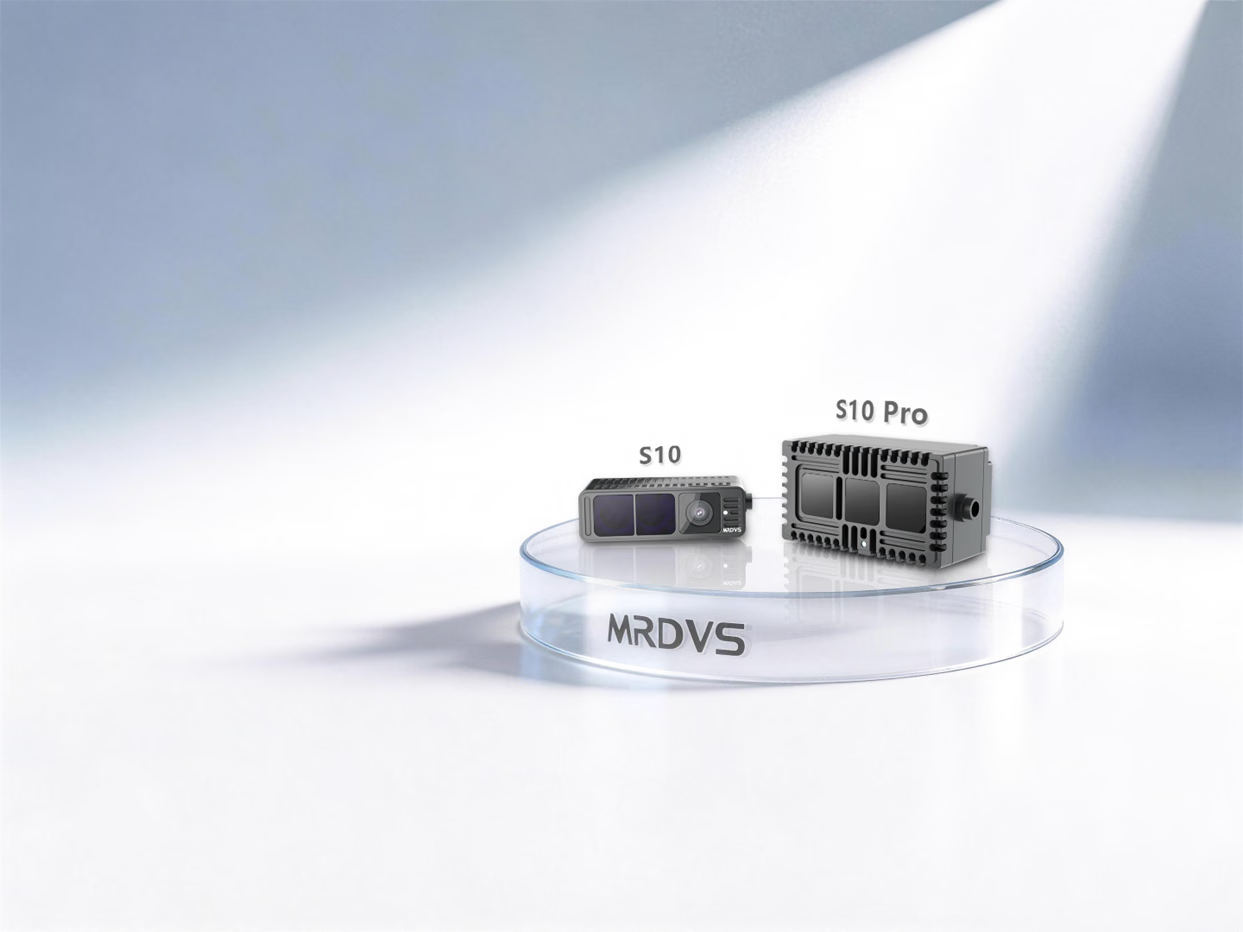
Features
- Medium- and long-range dToF perception: Suitable for indoor and outdoor mobile applications such as autonomous vehicles, autonomous forklifts, and drones.
- Synchronized multimodal output: Provides depth, RGB, IR amplitude, and point-cloud data. The Lite version does not provide RGB data.
- On-device obstacle avoidance: Receive point clouds over Ethernet or use the built-in algorithm to output control signals through I/O.
- Multi-camera operation and bright-light performance: Multiple cameras can work together. With a 100 kLux environment and a 90% reflective target, S10 reaches 8 m and S10 Pro reaches 17 m.
Point-cloud access
Receive camera data over Ethernet and fuse it into your perception or control system.
On-device obstacle avoidance
Configure obstacle-avoidance zones and output slowdown, stop, or safe-state signals through I/O.
Specifications
1 Contact MRDVS for the GMSL version.
2 The S10 Lite 120° version provides an I/O cable. Use the 3D model for final product dimensions.
2 The S10 Lite 120° version provides an I/O cable. Use the 3D model for final product dimensions.
Interfaces and components
Camera ports
The camera provides power, Ethernet, and function interfaces. The function interface has no external I/O cable except on the S10 Lite 120° version.I/O signals
Cable pinout

Camera components
Integration and installation
Field of view and dimensions
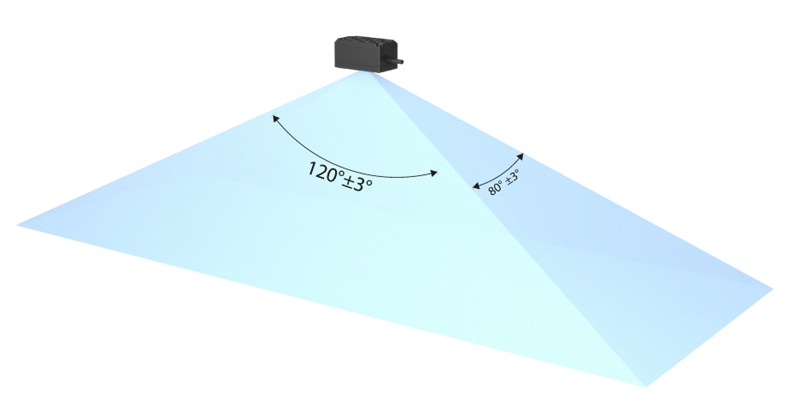
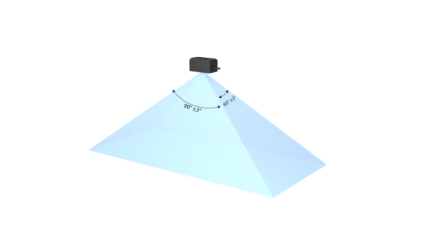
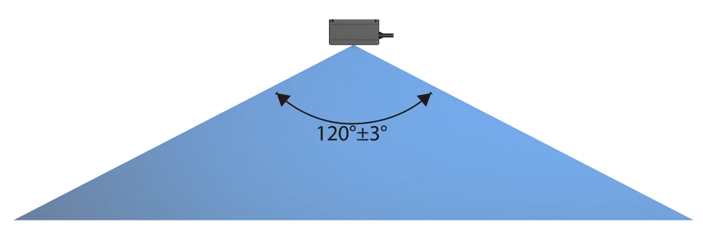
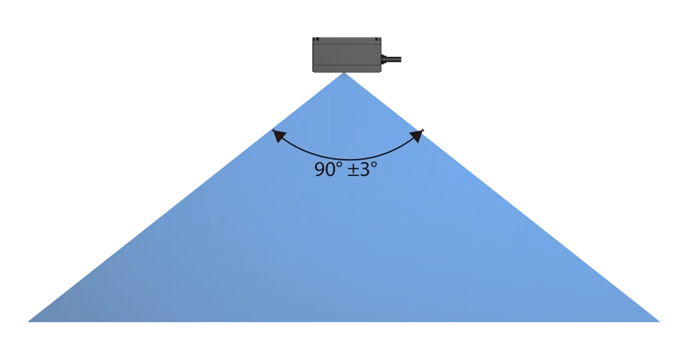
Required clearance
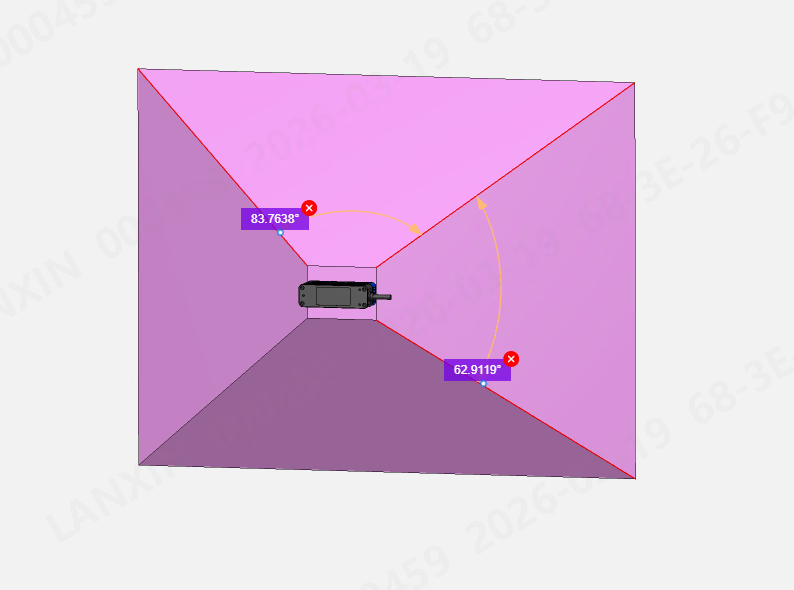
Common installation interference
- Field-of-view obstruction: Frames, ribs, small openings, or off-center mounting can create fixed blind spots or false near-field targets.
- Near-field reflections and multipath: Confined cavities, bright metal, or mirrors can distort distance or cause local saturation.
- Optical-window problems: Ordinary glass, acrylic, dirt, or condensation can introduce artifacts, attenuate signals, or lower the signal-to-noise ratio. Validate transmission and ranging performance before adding a window.
- Mounting stress and heat: Over-tightening can shift the optical axis; provide a heat path in enclosed installations to avoid temperature-related drift.
Environment and reliability
First connection
1
Connect power and network
Power the camera with 24 VDC and connect its communication interface to the computer with a Cat 6 Ethernet cable. A slowly flashing blue indicator indicates normal power.
2
Configure the network
The camera’s factory-default IP address is
192.168.100.82. Set the computer to the same subnet and make sure the firewall does not block camera communication.3
Verify image output
Open the camera in the host application and confirm that the image is clear and stable. Configure basic parameters and application algorithms as needed.
LxCameraViewer interface
LxCameraViewer displays depth, IR amplitude, point-cloud, and RGB images and reads or configures basic camera and algorithm parameters.- Select a device in the list and click Open or Close to control the connection.
- Use Capture to start or stop streaming and Save frame to save active streams.
- Select Depth, Intensity, RGB, or Point cloud to choose the displayed data.
- Configure device functions in Basic tools, Application algorithms, and Other.
Safety and troubleshooting
Laser safety
Keep the safety label complete and legible, and follow the safety requirements in the label and product materials.Troubleshooting
Applications and case studies
dToF and iToF
dToF is generally suited to medium and long ranges and complex environments; iToF is often used for high-precision close-range recognition. Select a camera based on working distance, field of view, reflectivity, and ambient light.3D obstacle avoidance for mobile robots
See the 3D obstacle-avoidance solution for mobile robots.
Autonomous forklift case
See a case study of stable autonomous forklift operation.
Under-ride AMR case
See an application for avoiding low obstacles.
Wheeled humanoid robot case
See a 3D obstacle-avoidance application for wheeled humanoid robots.
Certificates
Datasheets and manuals
English PDF