
Download complete product materials from the Download center.
Product overview
The S11 is a solid-state dToF RGB-D camera for mobile robots. Ethernet and USB versions are available, and a MIPI module can be supplied on request. The camera synchronously outputs depth, RGB, and IR amplitude data for obstacle avoidance, spatial perception, and mapping. The typical outdoor range is 0.1–5 m at 10%–90% reflectivity; the maximum indoor range is 10 m. The MIPI module uses the same depth technology as the standard versions but has different interfaces, dimensions, and power requirements.Features and applications
- dToF depth sensing for 3D data capture indoors and outdoors.
- Synchronized depth, RGB, and IR amplitude output; Ethernet and USB versions support RGB-D alignment.
- Compact solid-state design: approximately 130 g for Ethernet and 90 g for USB.
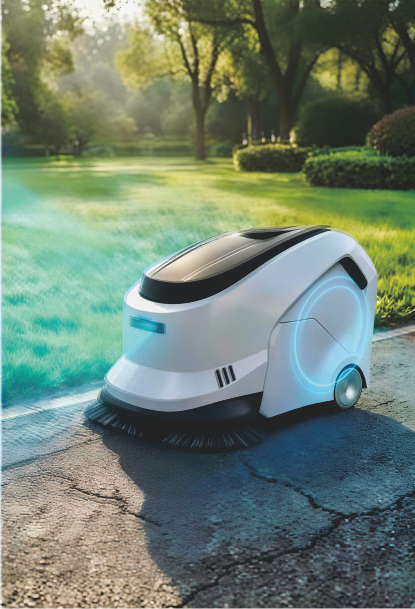
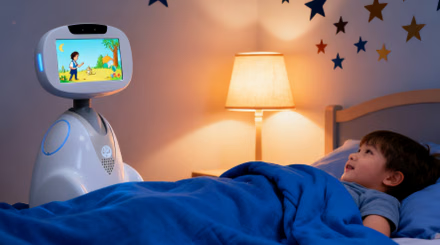
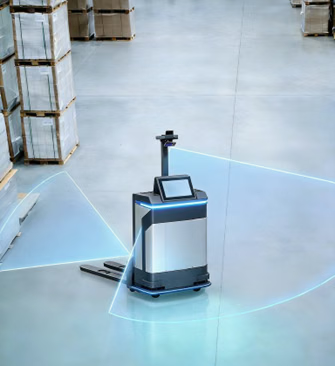
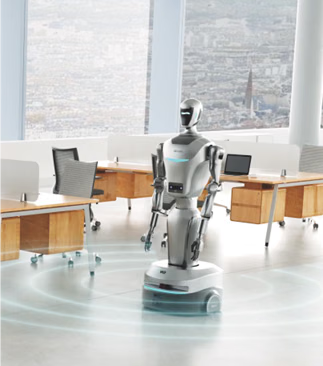
- Suitable for cleaning robots, AGVs/AMRs, service robots, companion robots, and special-purpose robots.
Specifications
Mechanical design and deployment
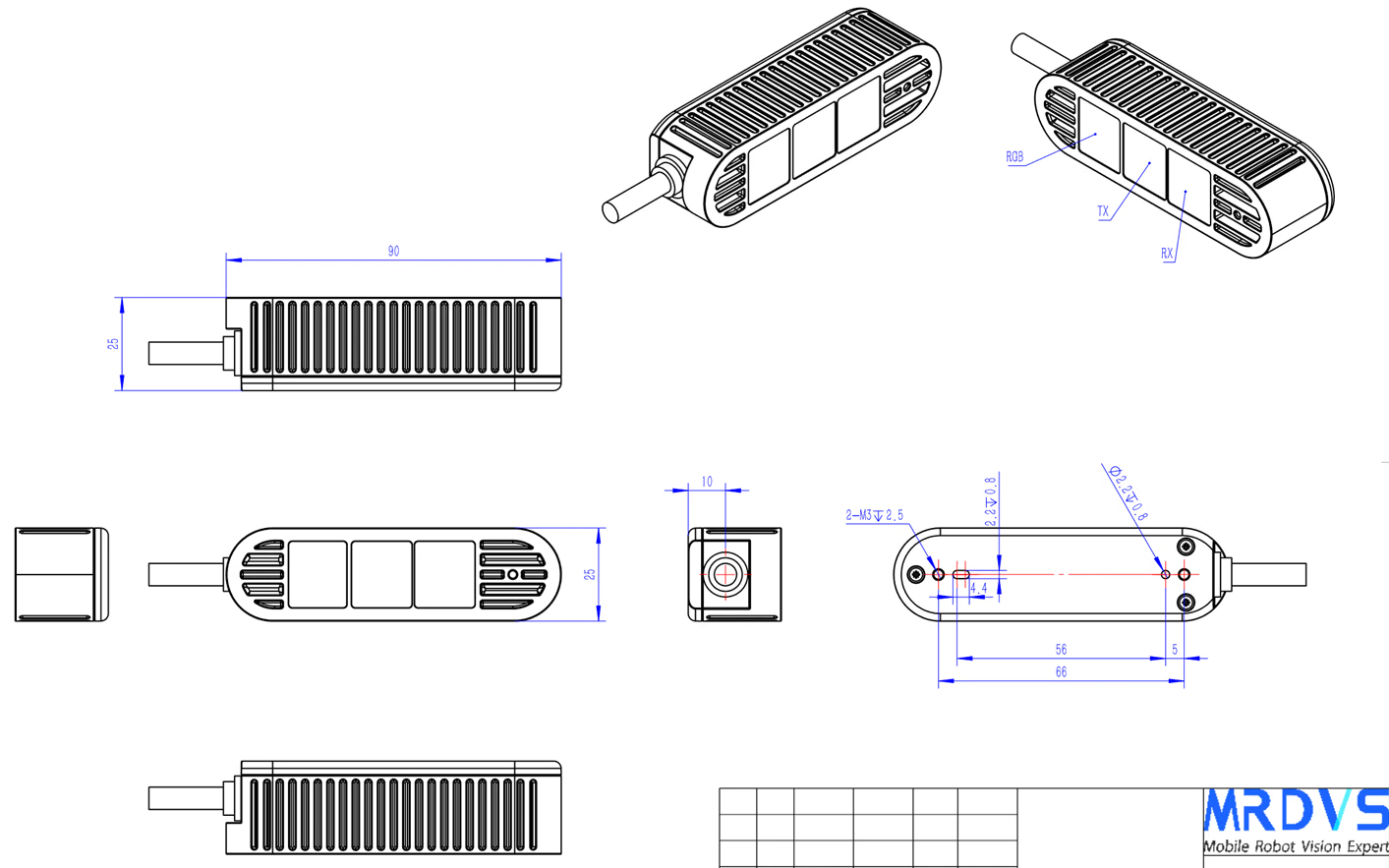
Product structure and dimensions
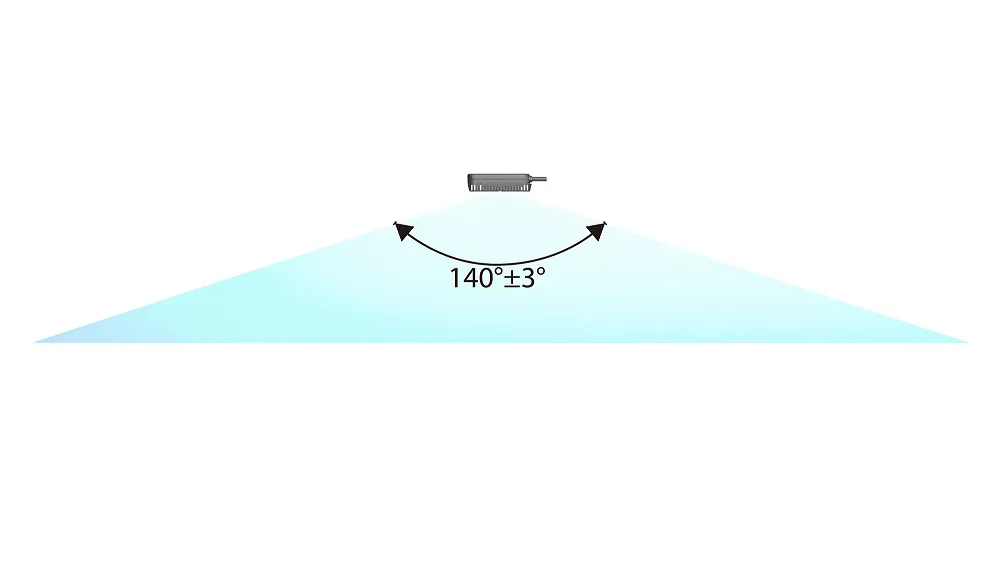
Detection range
Installation requirements
- Avoid frames, ribs, or openings that are too small and clip the field of view.
- Avoid installation near mirrors, bright metal, or confined reflective cavities to reduce near-field reflections and multipath effects.
- If a protective window is required, validate its transmission, cleanliness, and ranging performance after installation.
- Avoid over-tightening the mount and provide a heat path in enclosed spaces.
Environment and reliability
First connection
1
Connect the device
Power the Ethernet version with a 24 VDC / 2 A supply and connect it to the computer with a Cat 6 or better Ethernet cable. A slowly flashing blue indicator indicates normal power.
2
Configure the network
The Ethernet version’s factory-default IP address is
192.168.100.82. Set the computer to the same subnet and make sure the firewall does not block device communication.3
Verify the stream
Open the camera in the host application and check that the image is clear and free of artifacts or stutter. Configure image and algorithm parameters as needed.
LxCameraViewer interface
The host application displays depth, IR amplitude, point-cloud, and RGB images and configures basic camera and algorithm parameters.- Select a camera in the device list and click Open or Close.
- Use Capture to start or stop streaming and Save frame to save active streams.
- Select Depth, Intensity, RGB, or Point cloud to choose the displayed data.
Troubleshooting and safety
Keep the safety label complete and legible, and follow the safety requirements in the label and product materials.
Case studies
Autonomous forklift case
See a 3D perception application for autonomous forklifts.
Under-ride AMR case
See an application for avoiding low obstacles.
Wheeled humanoid robot case
See a 3D obstacle-avoidance application for wheeled humanoid robots.
Datasheets and manuals
English PDF