
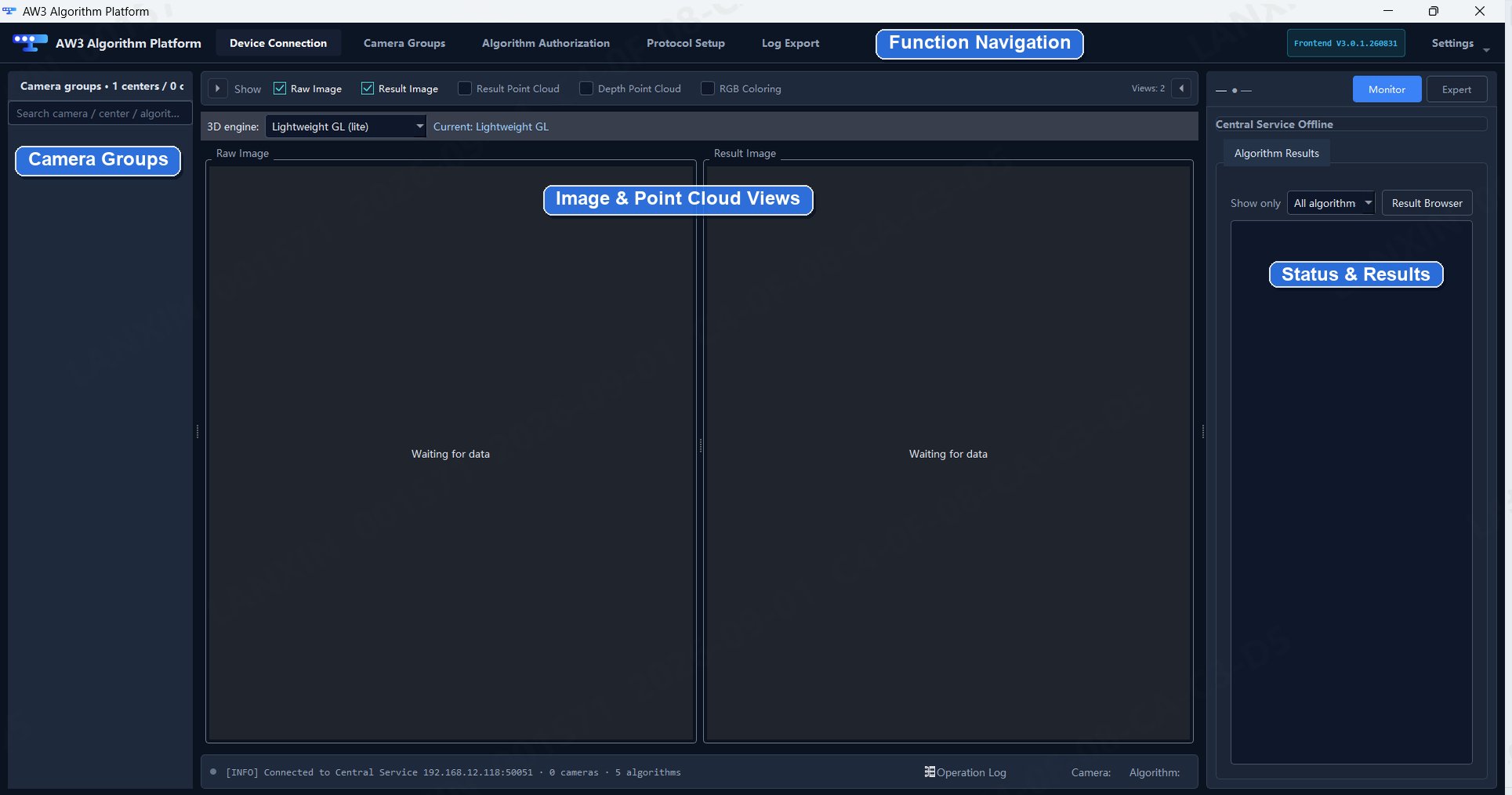
Core functions
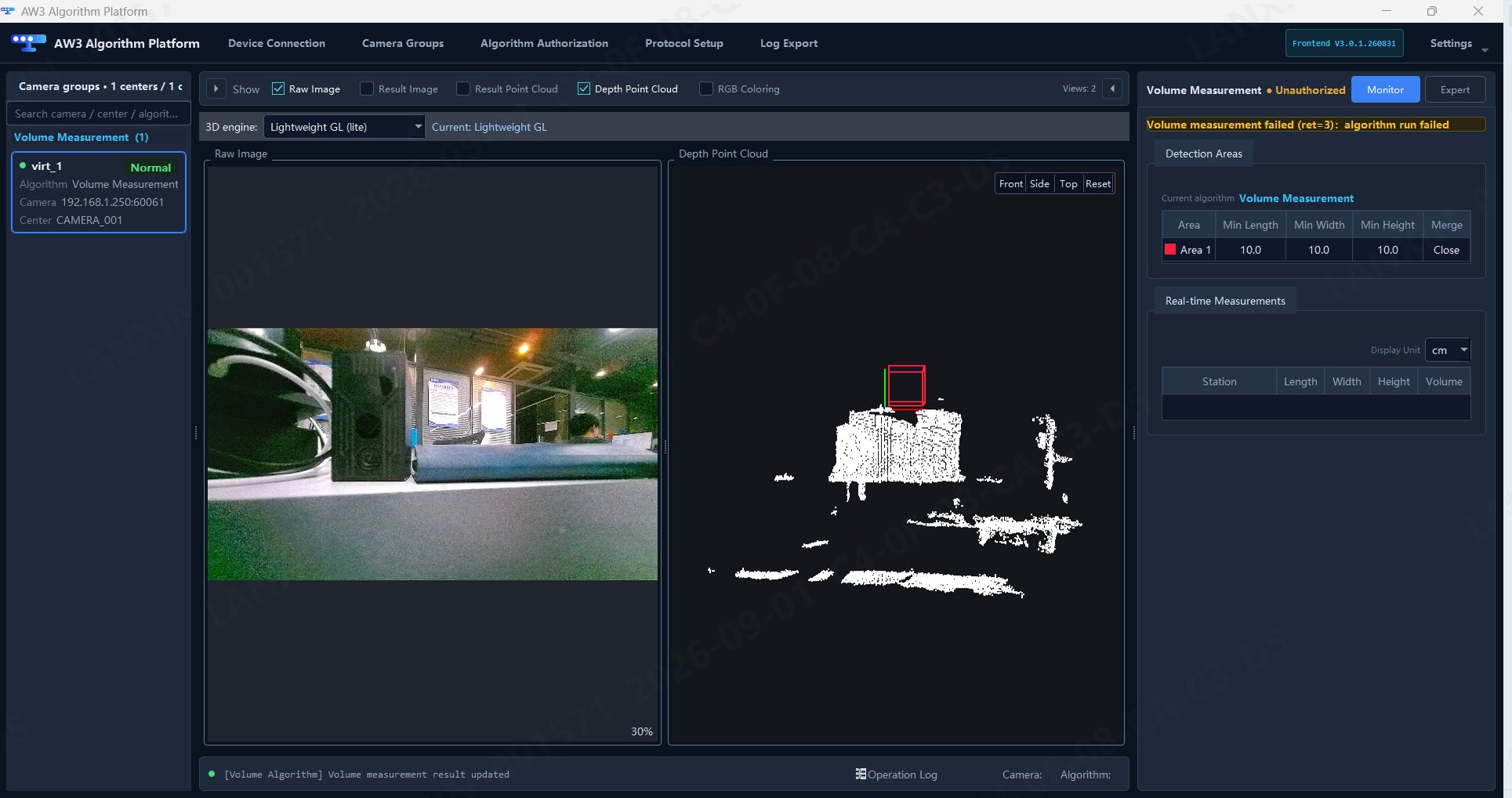
Platform and solution responsibilities
Application algorithms
Pallet docking
Return pallet position and orientation to support automated forklift pickup and placement.
Storage location monitoring
Detect storage-location occupancy and cargo presence for warehouse operations.
Bag depalletizing
Recognize bags and provide grasp-position information.
Volume measurement
Measure object length, width, height and volume for logistics and production lines.
Installation by application
Deploy algorithm packages according to the target device’s instructions. A .tar.gz algorithm package is not a Windows frontend installer.
Deployment workflow
- Prepare the compatible cameras, Windows host, network and AW3 installer.
- Place cameras and host on the same subnet, then install the components required by the application.
- Connect devices, create camera groups, license the algorithms and inspect the images.
- Follow the algorithm manual for calibration, parameter configuration and result validation.
- Configure communications and connect the application to the host system.
Latest downloads
Download user manual
V0.1 · English PDF
Download installer
AW3 3.1.2 · Windows x64 · 2026-09-29
Software downloads
Manual and white paper downloads
Software and document versions are managed separately. Select archived material for the application you have installed.
GitHub