
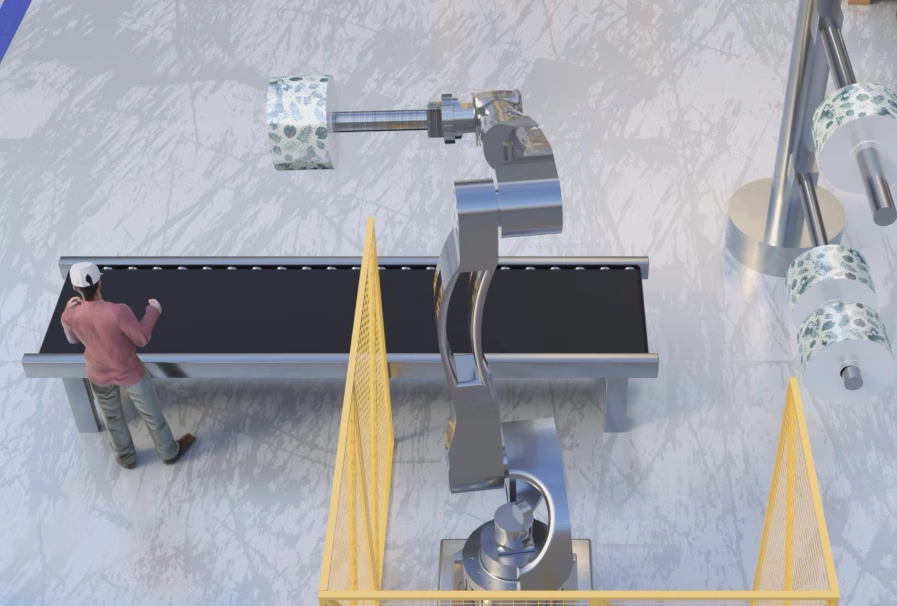
Solution overview
The system captures RGB-D data with an M Series 3D camera. Human-recognition software checks whether a person crosses a boundary within the configured ROI. Detection events can trigger an alarm or another action in the higher-level system.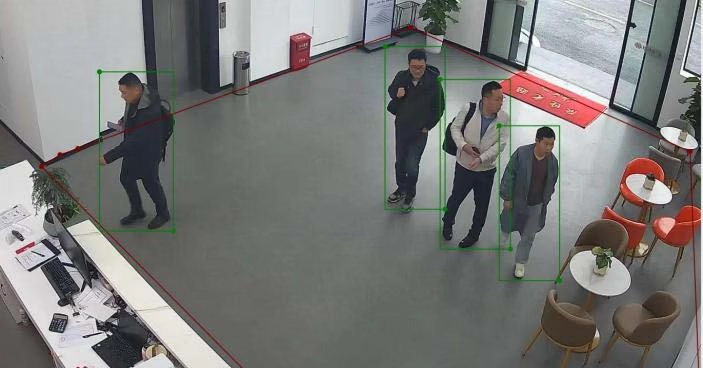
Restricted-area entry detection workflow
System components
M4 Pro 3D depth camera
- Provides 3D information about people moving in the monitored space.
- Depth resolution:
640 × 480; RGB resolution:1920 × 1080. - Aligns RGB and depth data in both space and time.
- Can run supported algorithms on the device to reduce the need for an external industrial computer.
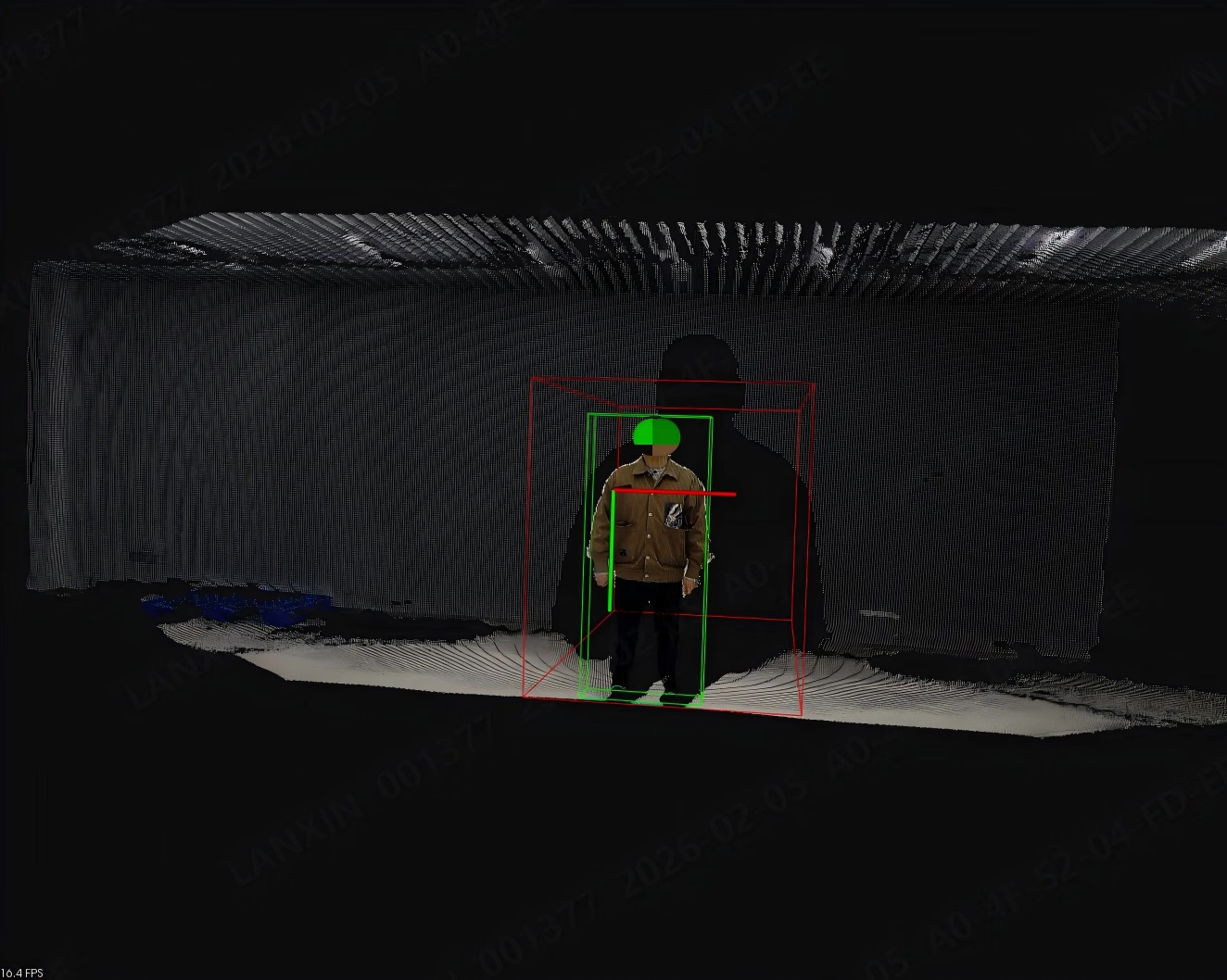
M4 Pro deployment for human-safety monitoring
Intelligent human-recognition software
- Configure a region of interest (ROI).
- Detect and report a person crossing the restricted boundary.
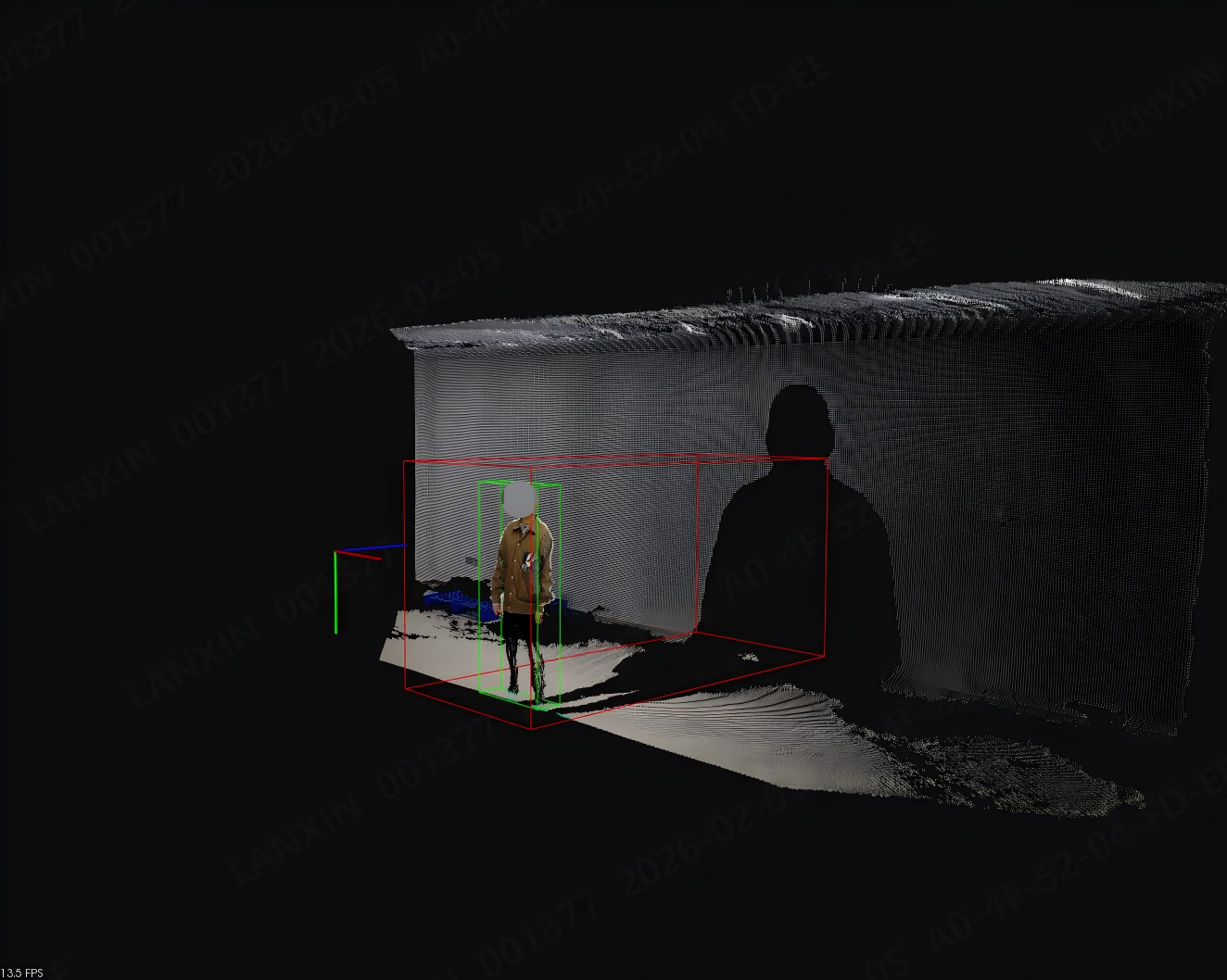
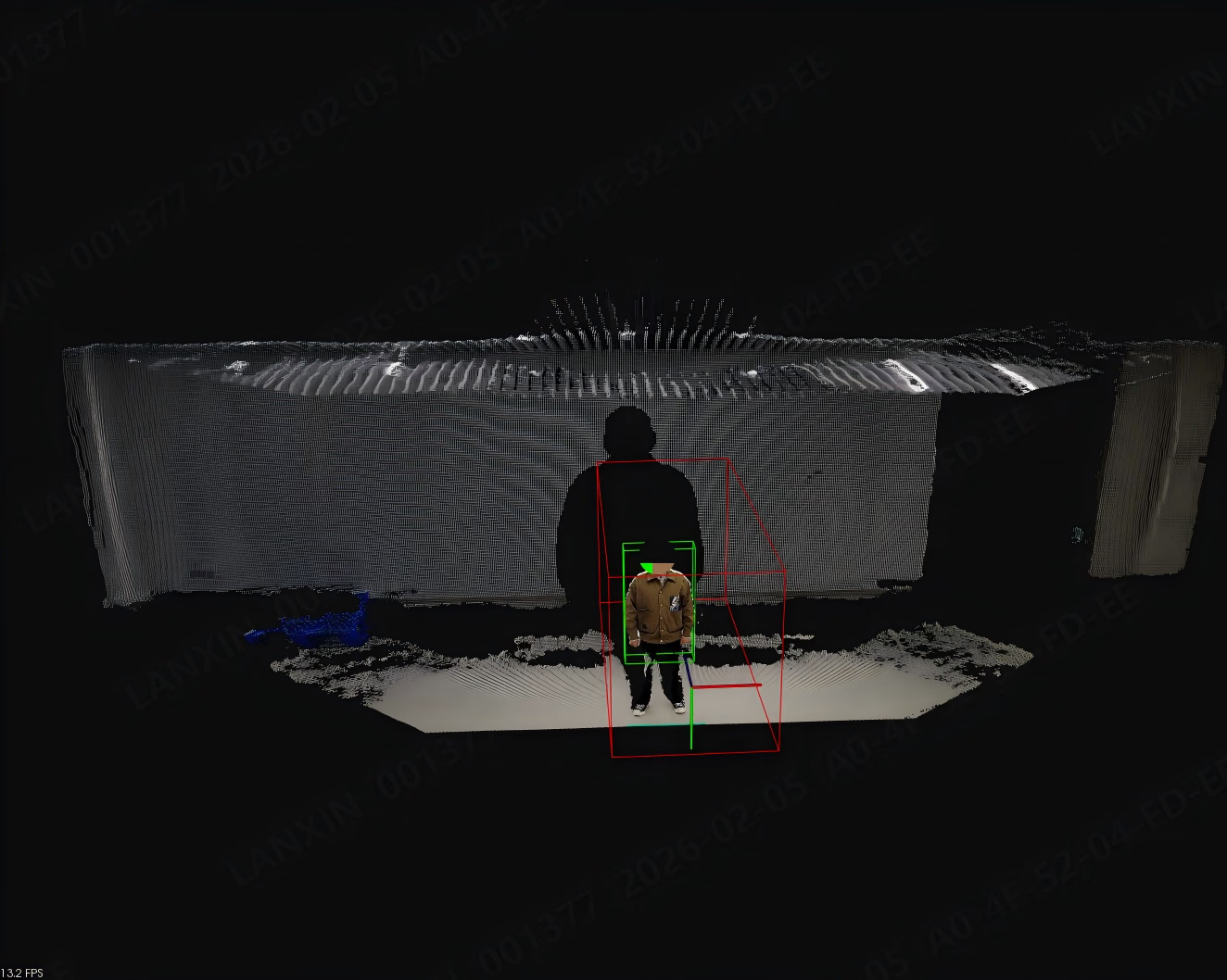
Workflow
1
Configure the restricted area
Define the ROI from the site layout and camera field of view, excluding areas that are not part of the detection task.
2
Monitor continuously
The camera captures the restricted area while the software checks whether a person enters or crosses the configured boundary.
3
Report the event
When an event is detected, the system reports it to the higher-level system, which can trigger an alarm, stop operation, or take another configured action.
Application scenarios
- Automated production lines
- Warehouse and logistics areas
- Hazardous-material storage areas
- Workshops or laboratories with personnel exclusion requirements
Performance notes
Original test records report single-frame false-positive and missed-detection rates under ideal laboratory conditions. The test used an open field of view, an unobstructed person within5 m of the camera, a movement speed below 3 m/s, and good ambient lighting. Actual results depend on camera height, field of view, occlusion, posture, lighting, motion blur, and filter settings.
Deployment recommendations
- Keep the lens clean and check regularly for obstructions in the camera field of view.
- Validate the system on site before deployment in areas with heavy dust, strong reflections, or other extreme conditions.
- Revalidate the detection range and response chain after changing the camera position, detection area, or higher-level action logic.