
How it works and what it returns
M10 segments bags in the current top layer and outputs their centre positions and orientations in robot coordinates. Targets are ordered by height by default. Configured local grasp planning supplies transition points and grasp poses; hand–eye calibration establishes the camera-to-robot transform. Check status fields as well as coordinates. The integrated system handles robot control and interlocks.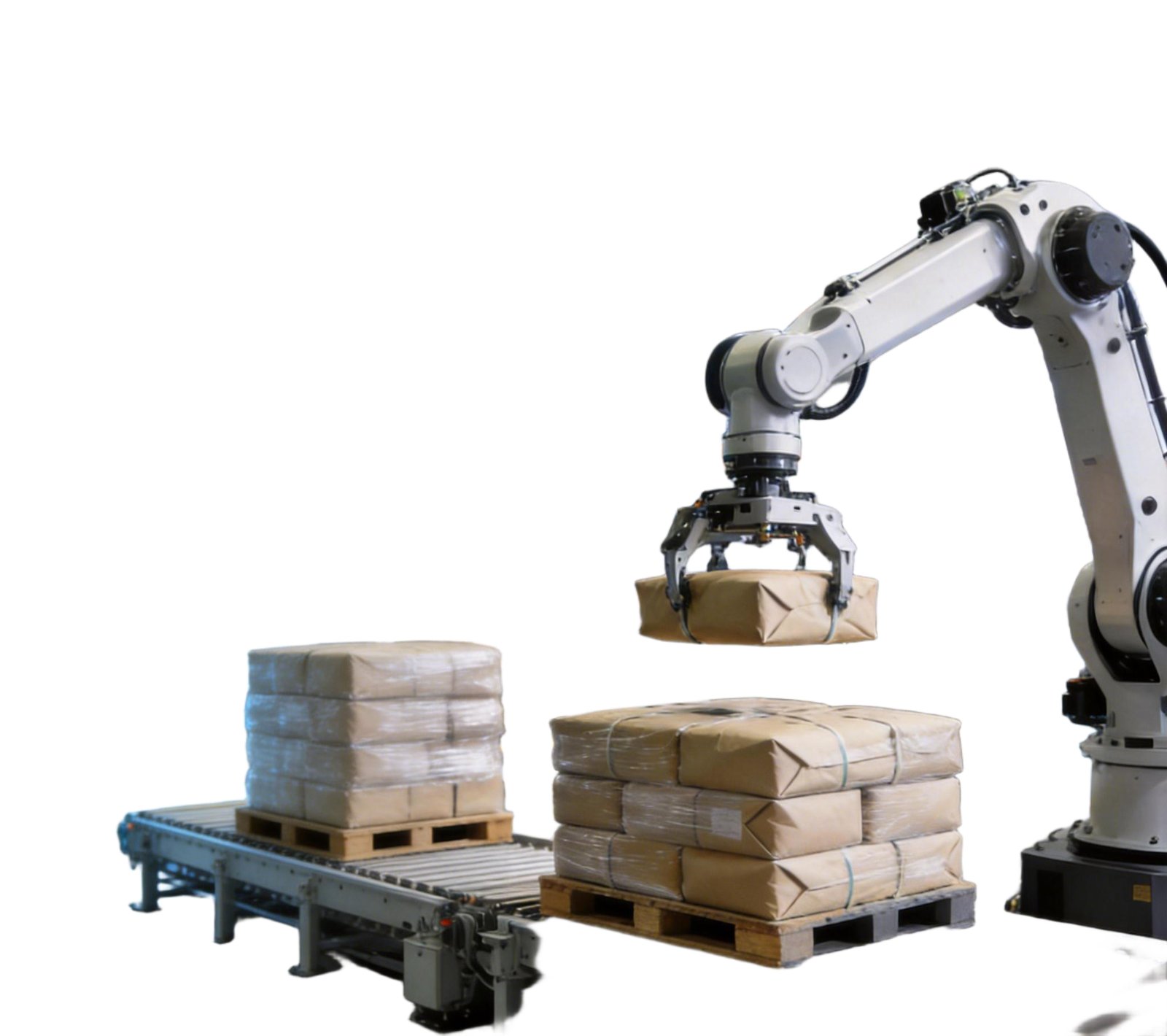
Application example
Operating and installation conditions
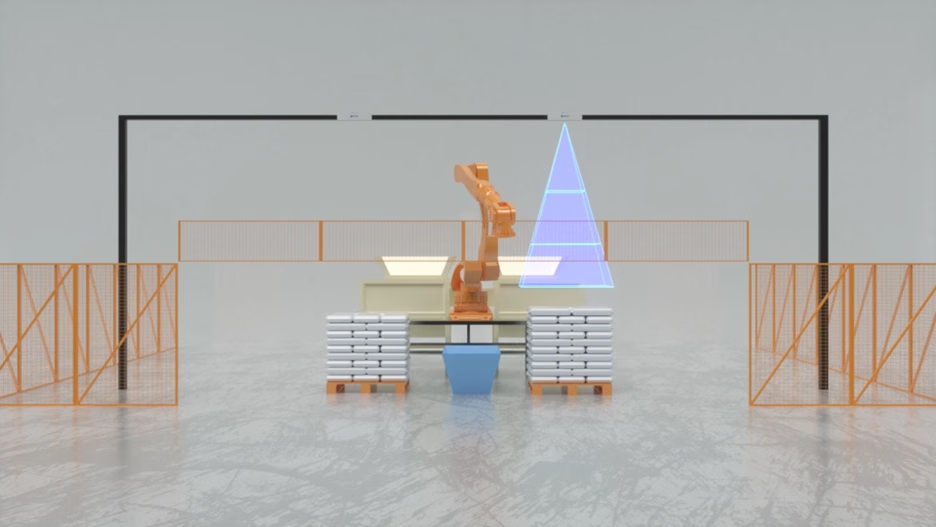
The current manual supports regular five-, six- and eight-bag patterns and ring patterns, not irregular stacks. Bags in one stack must have consistent dimensions and packaging; overall tilt must not exceed 3°. Mount the camera directly above the stack, parallel to the floor, typically 2.8–3.2 m from the pallet and never farther than 3.2 m. Keep the work area illuminated and out of direct sunlight. Severely deformed bags and deep surface indentations need separate assessment. Black bags cannot be recognized without valid depth. Avoid overlapping views between neighboring installations and check interference. Configure and calibrate dual cameras independently.Software downloads and compatibility
Depalletizing runs on AW3. Use the software and guides supplied for your project. The M10 manual describes an earlier AlgPlatformViewer interface; its screens do not represent the current AW3 interface.
Documentation · Software releases
Deployment and integration
1
Connect the equipment
Connect the camera, compute board and network; open the delivered software, license the algorithm and send the camera settings.
2
Calibrate and configure
Set bag dimensions and create templates for each installation, viewing position and stack.
3
Validate on site
Capture four calibration points in sequence, establish the hand–eye transform and verify full working-area coverage.
4
Integrate the results
Save and send parameters. Trigger single measurements to check targets, order and coordinates, then integrate with the robot or PLC over TCP.
Latest downloads
Read online
English
Manual and white paper downloads
Software and document versions are managed separately. Select archived material for the application you have installed.
GitHub