
How it works and what it returns
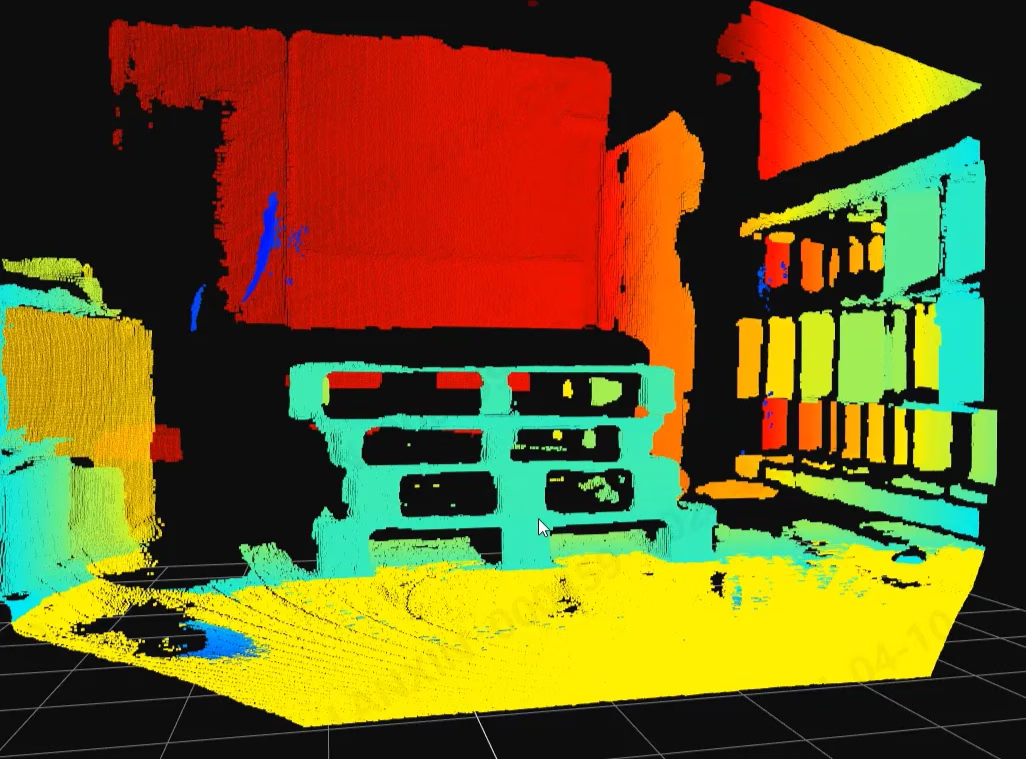
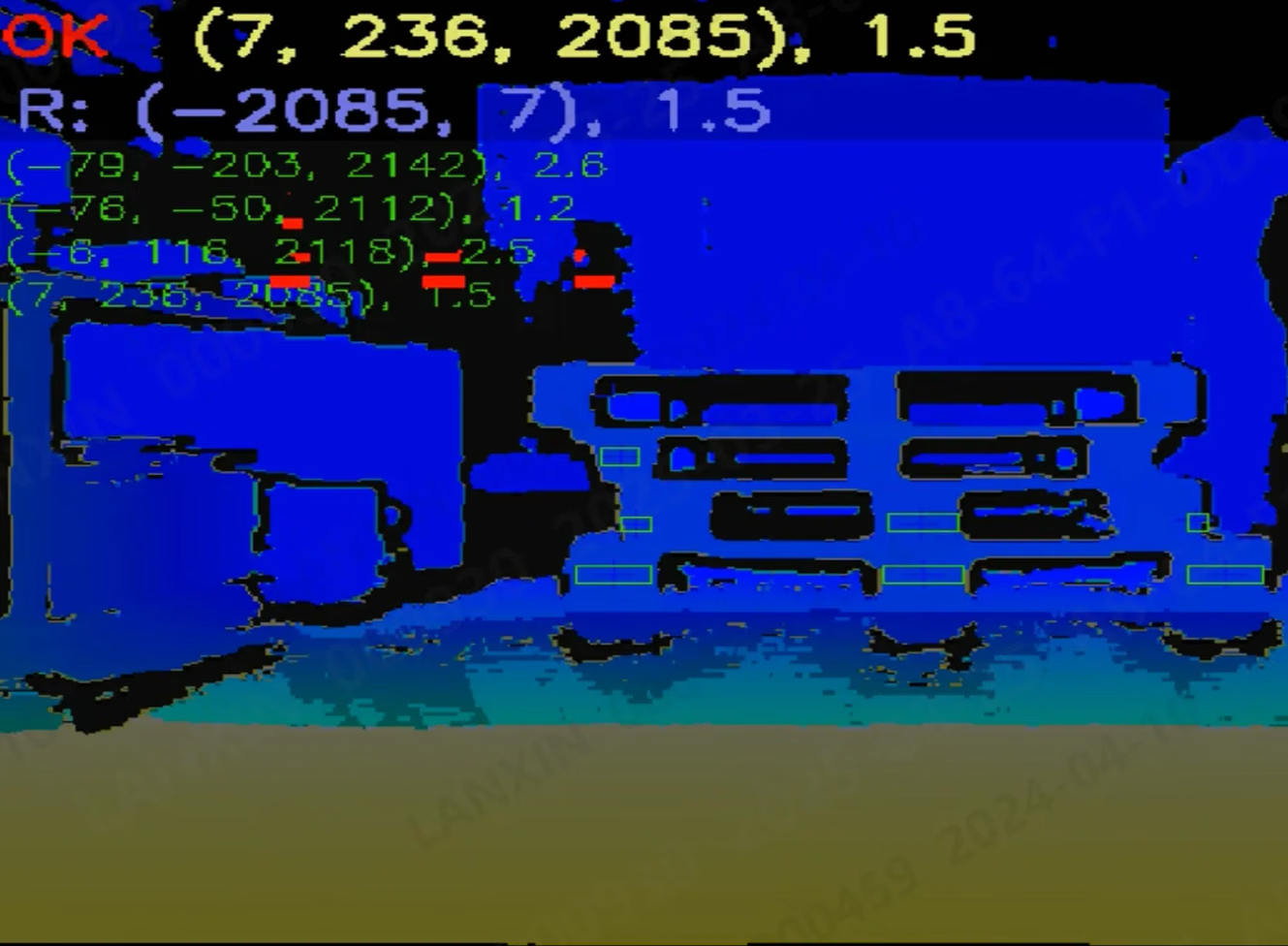
Two recognition modes are configured and validated separately. The 2D image model uses depth to recover a 3D docking pose and classifies the lower entry-face beam as Closed or Open. Pure 3D recognition uses point clouds, templates and calibration; it can distinguish empty and loaded pallets when configured, but does not measure weight. A failed 2D detection does not trigger an automatic switch to pure 3D.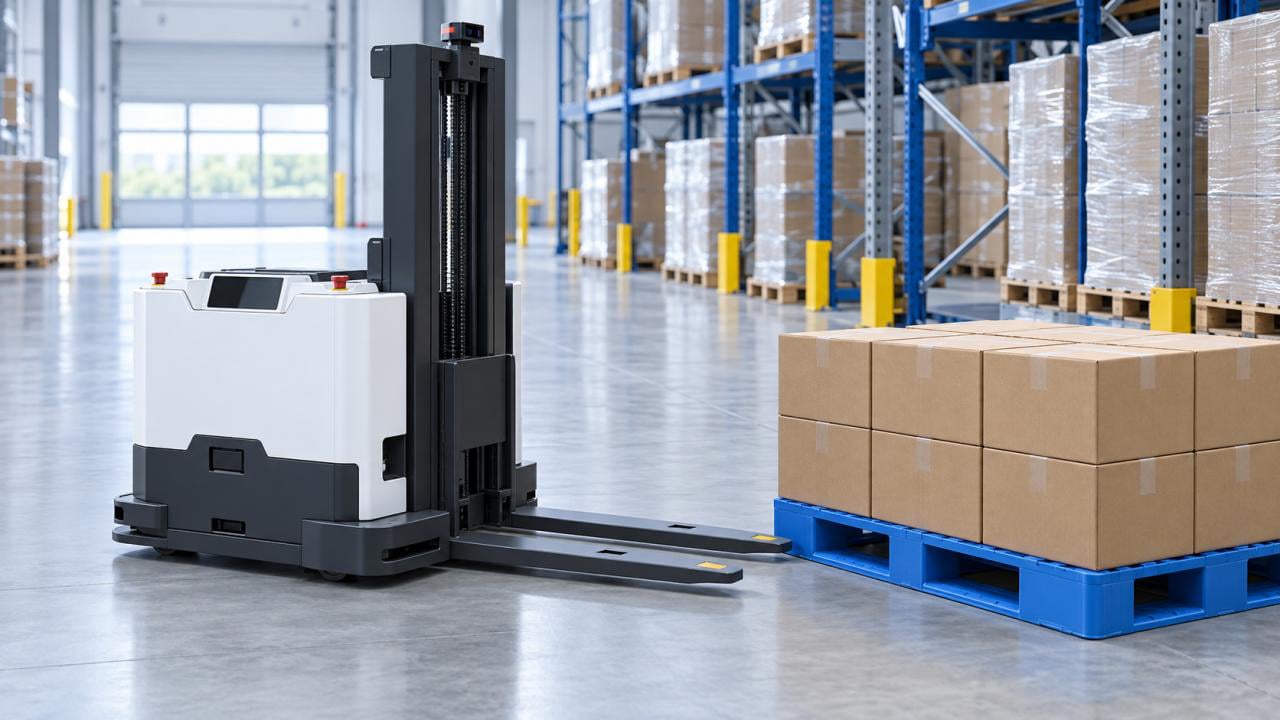
Application example
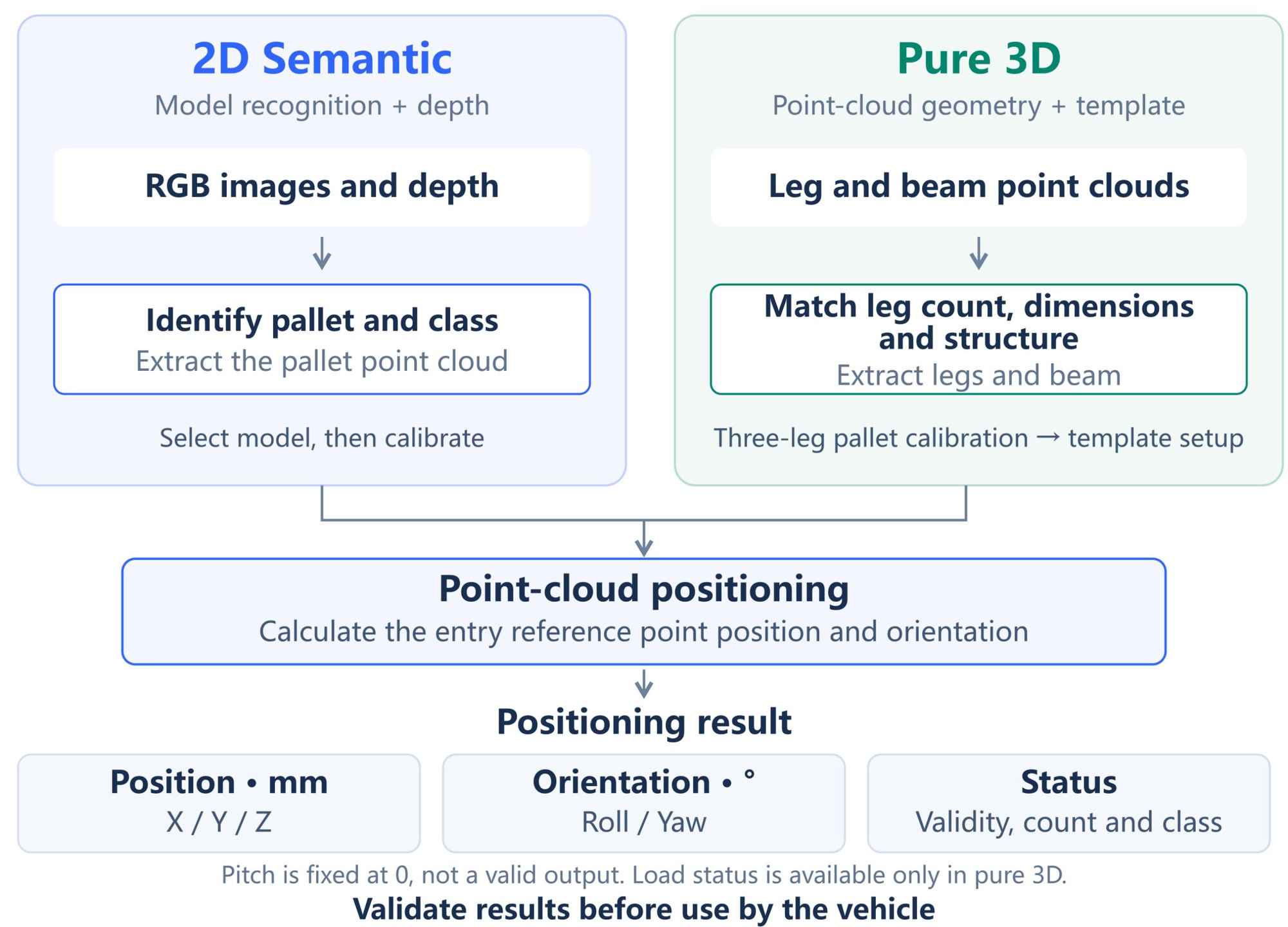
Principle of operation
Operating and installation conditions
The white paper lists maximum detection distances of 1.8 m for S11 with an external RK3588 and 3.0 m for M4 Mega with onboard computing. Minimum distance depends on pallet geometry and field of view. Reflective surfaces are unsuitable; black pallets require camera-specific sample testing. Validate both recognition modes with the actual load and background. Install only the AW3 frontend, without its backend. Deploy SmartDocking 3.0.2 on the compatible RKU20 / Linux ARM64 device. Earlier PalletPro software and its interface are maintained as a separate archive, not as an AW3 frontend or SmartDocking package.Deployment and integration
1
Connect the equipment
Check actual pallet dimensions, material, mounting view and working distance.
2
Calibrate and configure
Connect and license the AW3 frontend, then select the model or template and calibrate the detection range.
3
Validate on site
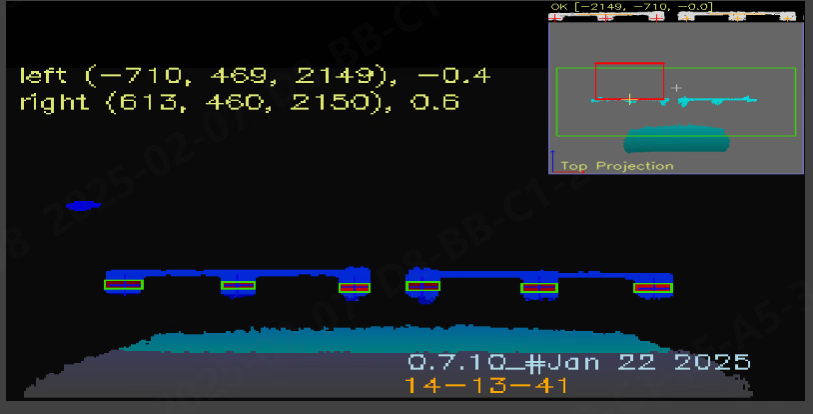
Validate XYZ, roll, yaw, repeatability and processing time across loads and backgrounds.
4
Integrate the results
Check detection status and data freshness before vehicle integration. Results have processing latency and are not real-time motion feedback; do not reuse stale data.
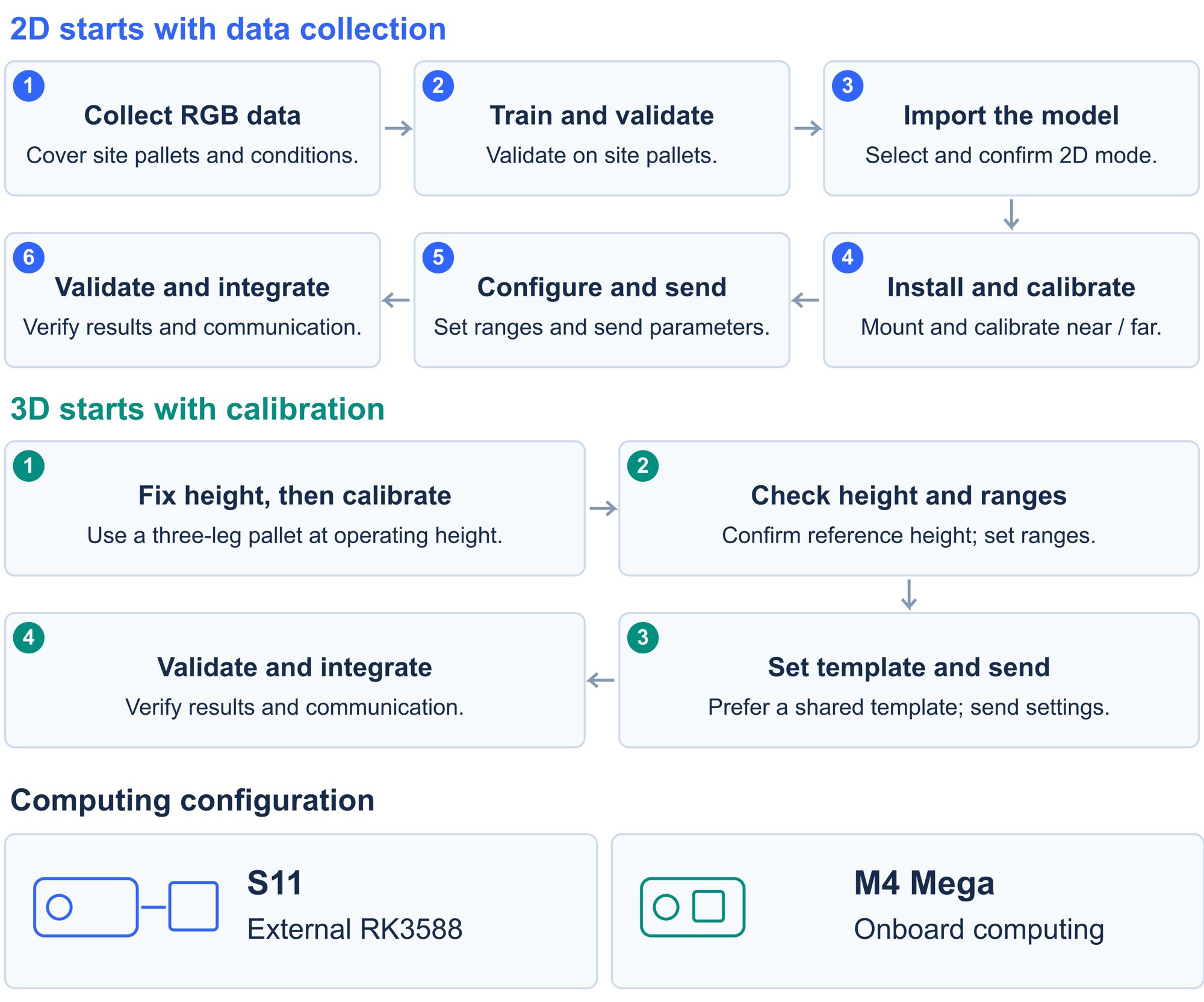
Deployment workflow
Latest downloads
Download user manual
V0.1 · English PDF
Download white paper
V0.1 · English PDF
Download AW3 frontend
AW3 3.1.2 · Windows x64 · Frontend only
Download device firmware package
SmartDocking 3.0.2 · RKU20 · Linux ARM64
Software downloads
Manual and white paper downloads
Software and document versions are managed separately. Select archived material for the application you have installed.
GitHub